
 David F. MulcaheyandBram Kragten
5415068917
David F. MulcaheyandBram Kragten
5415068917
* convert zha config panel to tabs

* add spacer to prevent combobox from hitting bottom

* break clusters out into their own section

* cleanup buttons

* remove header

* make devices default tab

* convert from tabs to a list view

* convert to table on dashboard

* fix anchor on mobile safari

* cleanup CSS to fix display on mobile

* cleanup card css

* more css cleanup

* fix group page

* remove translations changes

* Update src/panels/config/zha/zha-clusters.ts

Co-Authored-By: Bram Kragten <mail@bramkragten.nl>

* Update src/panels/config/zha/zha-config-dashboard.ts

Co-Authored-By: Bram Kragten <mail@bramkragten.nl>

* Update src/panels/config/zha/zha-device-page.ts

Co-Authored-By: Bram Kragten <mail@bramkragten.nl>

* Update src/panels/config/zha/zha-groups-dashboard.ts

Co-Authored-By: Bram Kragten <mail@bramkragten.nl>

* review comments

* fix dangling quote after commit suggestion

* css cleanup

* remove flex rules

* remove flex rules

* css  cleanup

* remove dialog per review comments

Co-authored-by: Bram Kragten <mail@bramkragten.nl>
Home Assistant Polymer 
This is the repository for the official Home Assistant frontend.
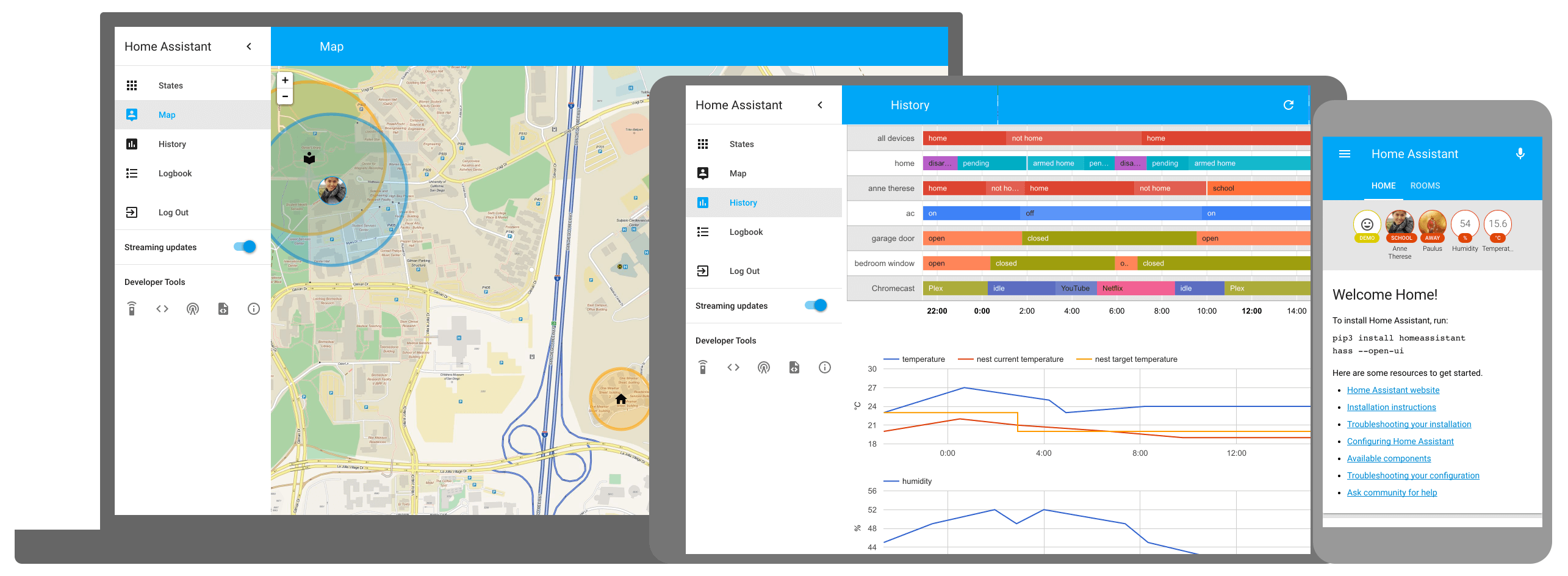
Development
- Initial setup:
script/setup - Development: Instructions
- Production build:
script/build_frontend - Gallery:
cd gallery && script/develop_gallery - Hass.io: Instructions
Frontend development
Classic environment
A complete guide can be found at the following link. It describes a short guide for the build of project.
Docker environment
It is possible to compile the project and/or run commands in the development environment having only the Docker pre-installed in the system. On the root of project you can do:
sh ./script/docker_run.sh buildBuild all the project with one commandsh ./script/docker_run.sh bashOpen an interactive shell (the same environment generated by the classic environment) where you can run commands. This bash work on your project directory and any change on your file is automatically present within your build bash.
Note: if you have installed npm in addition to the docker, you can use the commands npm run docker_build and npm run bash to get a full build or bash as explained above
License
Home Assistant is open-source and Apache 2 licensed. Feel free to browse the repository, learn and reuse parts in your own projects.
We use BrowserStack to test Home Assistant on a large variation of devices.